Router Staging and Configuration Service
Router staging is the work of preparing routers and gateways before they reach site, so they arrive ready to install. Millbeck stages your routers and gateways before they ship: we load the latest firmware, apply your configuration, fit the SIM, test-fit the antennas, check each unit connects, then label and pack a kit for each site.
Setting up routers by hand on site takes time, and every unit configured in a van or a plant room is another chance for a mistake. Our staging service moves that work onto our bench, to a specification you sign off, so your field teams mount and power up rather than configure. It suits organisations rolling out routers and gateways across several sites who want every unit to start from the same tested setup.
What Is Included in Router Staging?
Millbeck router staging covers firmware, configuration, SIMs, antennas, a connection check, labelling and kitting, and we keep a record of every unit.
- Firmware: We load the latest firmware for the device.
- Configuration: We apply the settings from your signed Configuration Form and confirm they have loaded.
- SIM: We fit the IoT SIM and record which SIM went into which router.
- Antennas: We test-fit all antennas before dispatch, to make sure they are compatible with the router and work reliably.
- Remote management: We enrol each router in its remote management platform when your rollout specification includes it.
- Connection check: We check each unit connects to the mobile network, using its live SIM where that applies.
- Labelling: We label each unit, for example with its site name.
- Kitting: We pack each site’s router, SIM, antennas and accessories together as one kit.
- Records: We keep a backup of the applied settings and a record of each unit’s staging data.
Faults show up on our bench rather than on site, where a router that will not connect means a second visit.
How the Router Staging Service Works
You agree our terms once, complete a Configuration Form for each configuration, then confirm the configuration and site details on each order.
Step 1: Agree the Service Terms
You sign our terms once. They stay in place for the life of your account, so you do not sign them again for each order.
Step 2: Complete a Configuration Form
You complete and sign a Configuration Form for each different configuration. The form records every setting the device needs, and we work through it with you to make sure the configuration is correct and will work for your use case. Any change to a configuration needs a new form, so you can always tell which settings a batch of routers shipped with.
Step 3: Confirm the Configuration on Each Order
When you order, you confirm which configuration applies and give us the site names for the labels. We stage every unit in the order to that configuration before dispatch. One configuration can be used on as many orders as you need.
What Can We Configure?
The Configuration Form covers the settings most rollouts need, from the mobile connection to access control.
- Mobile network and SIM settings, including the APN (access point name), the setting that decides which network gateway a SIM’s data goes to
- Wi-Fi networks and wireless settings
- Local network addressing and device access
- Firewall and security settings
- Port forwarding and service access rules
- VPN and remote access
- Remote management settings and platform enrolment
- Dual SIM and WAN failover, where the router switches to a backup connection if the main one fails
- Ping reboot, which restarts the mobile connection or the router if it stops reaching an address you choose
- Admin login details and access credentials
Which Routers and Gateways Can You Stage?
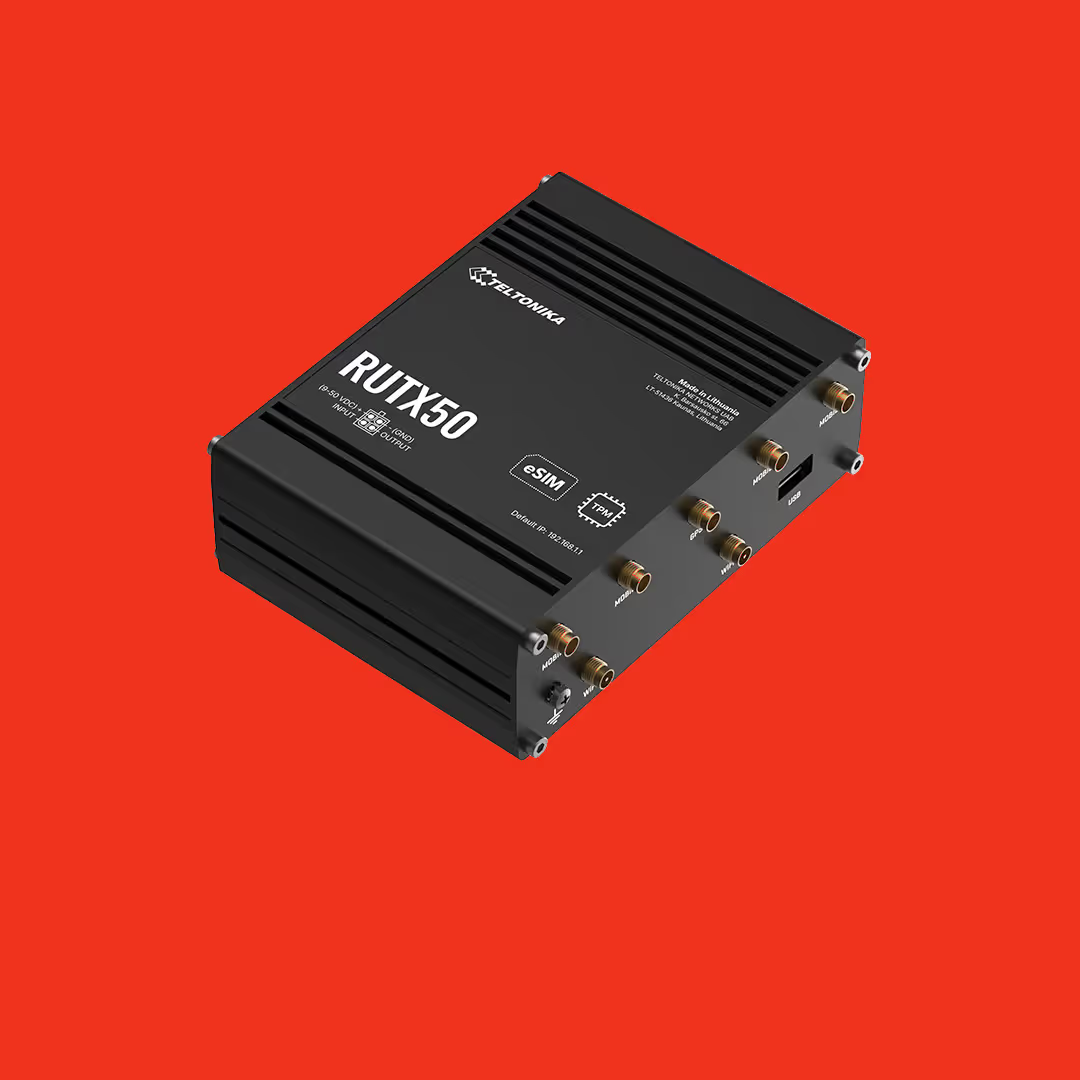
Millbeck stages routers and gateways from Teltonika, Proroute, Robustel, Milesight and Ericsson Cradlepoint, and similar devices from other manufacturers.
We supply all of these brands, along with the IoT SIMs and antennas, so one order can cover the hardware, the connectivity and the staging.
Staging or Configuring on Site?
Router staging applies the configuration before dispatch, so the installer only mounts and powers up. On-site configuration leaves the setup to the installer, one unit at a time. Zero-touch provisioning, where a router fetches its configuration from a cloud platform when it first connects, needs the router to reach that platform, which a router on a private APN without internet access cannot do.
Our guide What Is Router Staging? explains how staging differs from pre-configuration, compares the three approaches and covers what to put in a staging specification.
Who Is Router Staging For?
Our staging service suits teams rolling out routers or gateways across several sites who can specify their own configuration.
The service assumes you have the in-house knowledge to define a secure configuration, and field engineers who can install the hardware and carry out basic connectivity checks on site.
Need More Than Staging?
If your rollout needs more than staging, we can quote separately for managed router services, ongoing support and SLAs, monitoring, lifecycle management, security audits, and on-site or remote installation support.
Speak to our team about what your rollout needs.
Frequently Asked Questions
How Much Does Router Staging Cost?
Millbeck quotes router staging per order, based on the devices, the configuration and what each site’s kit contains. Tell us the hardware, the number of units and how the routers will connect, and we will quote. Contact our team for a quote.
Can I Use the Same Configuration on Several Orders?
A staging configuration can be used on as many orders as you need. Once you have signed the Configuration Form, you confirm the configuration on each new order and we stage every unit to the same settings, with no need to complete the form again.
What Happens If I Need to Change a Configuration?
Any change to a staging configuration needs a new Configuration Form. Keeping each version on its own signed form means you can always tell which settings a batch of routers left us with, and replacement units can be staged to match.
Do You Keep a Record of My Configuration?
Millbeck keeps a backup file of the settings applied to your staged routers, and a record of each unit’s staging data, including which SIM went into which router. If a unit needs replacing, or you need to check what a device shipped with, we have the record on file.
How Are Passwords and Credentials Handled?
Passwords and credentials never go on the Configuration Form. You share them with us separately, through a secure method we agree with you, and we apply them during staging.
Can You Test Routers with Our Live SIMs Before They Ship?
Millbeck fits the SIM in each router during staging and checks the unit connects to the mobile network, using its live SIM where that applies. A SIM, APN or configuration problem then shows up on our bench rather than on site.
This is some text inside of a div block.
-min.webp)




.png)








.png)
.png)