Millbeck provides the connectivity for a national energy services company, using Teltonika RUT956 routers and Millbeck UK roaming IoT SIMs to connect the building management systems for a healthcare rollout across the UK.
A building management system (BMS) is the control system that runs and monitors a building's heating, ventilation, air conditioning, lighting and energy plant. Our customer supplies and supports these systems, and needs a reliable connection to every one of them to monitor performance, respond to faults and carry out proactive maintenance.
At a Glance
The healthcare BMS rollout connects more than 400 buildings, using a single router, IoT SIM and connecting to a single remote management platform per site.
| Item | Detail |
|---|---|
| Customer | A national energy services company that supplies and supports BMS |
| Sector | Healthcare buildings/BMS |
| Sites | More than 400, with more being added |
| Router | Teltonika RUT956 |
| Connectivity | Millbeck UK roaming IoT SIMs, with BMS traffic over a VPN |
| Antennas | Fullband MIMORAD at roughly 15% to 20% of sites |
| Device management | Teltonika RMS |
| Rollout | Multi-year |
The Challenge: Connecting a BMS Without the Building's Network
The BMS in each healthcare building needed its own connection, because the customer could not use the building's IT network.
The healthcare buildings do not allow the BMS onto their IT network, so the obvious route was closed from the start. A BMS provider working across many healthcare sites cannot rely on each site's IT team to open access, and in the majority of cases it is not practical at all.
Fixed lines were not a practical alternative. Installing and paying for a fixed line in each of more than 400 buildings would have been prohibitively expensive, and slow to roll out across a national estate.
The customer wanted a dedicated cellular path instead: one connection per building, separate from the site's own systems, and under the customer's control from end to end.
What We Supplied
Millbeck supplied the routers, the IoT SIMs and the antennas, so the customer deals with one supplier for every part of the connection.
Teltonika RUT956 Cellular Router
The Teltonika RUT956 is a 4G cellular router built for industrial and unattended installations. Teltonika specifies it with 4G LTE (Cat 4), dual SIM slots, RS232 and RS485 serial ports, digital inputs and outputs, and GNSS.
The RUT956 sits alongside the BMS controller in each building and gives it a direct connection to the mobile network. Its mix of Ethernet, serial ports and inputs and outputs means one router model suits the wide range of BMS hardware found across a national estate.
Millbeck UK Roaming IoT SIMs
A UK roaming IoT SIM is a SIM that can connect to more than one UK mobile network, so the router uses whichever network gives the best service in that building. Our UK roaming IoT SIMs are unsteered, which means the router chooses the network on signal, not on a commercial preference.
For a national estate, this matters. Coverage varies from building to building and from room to room, and a single-network SIM would leave some sites with a weak connection or none at all.
BMS traffic runs over a VPN on the Millbeck roaming SIMs. A VPN (virtual private network) is an encrypted connection between two points, so data travelling between each building and the customer's central systems stays private.
Fullband MIMORAD Antennas Where the Location Needs Them
Roughly 15% to 20% of sites use a Fullband MIMORAD external antenna, because the BMS is installed somewhere the router's own antennas cannot get a usable signal.
BMS controllers often sit in plant rooms, basements or metal panels, and these locations block mobile signal. The fix is to mount an antenna outside the enclosure, or outside the building, and run the cable back to the router.
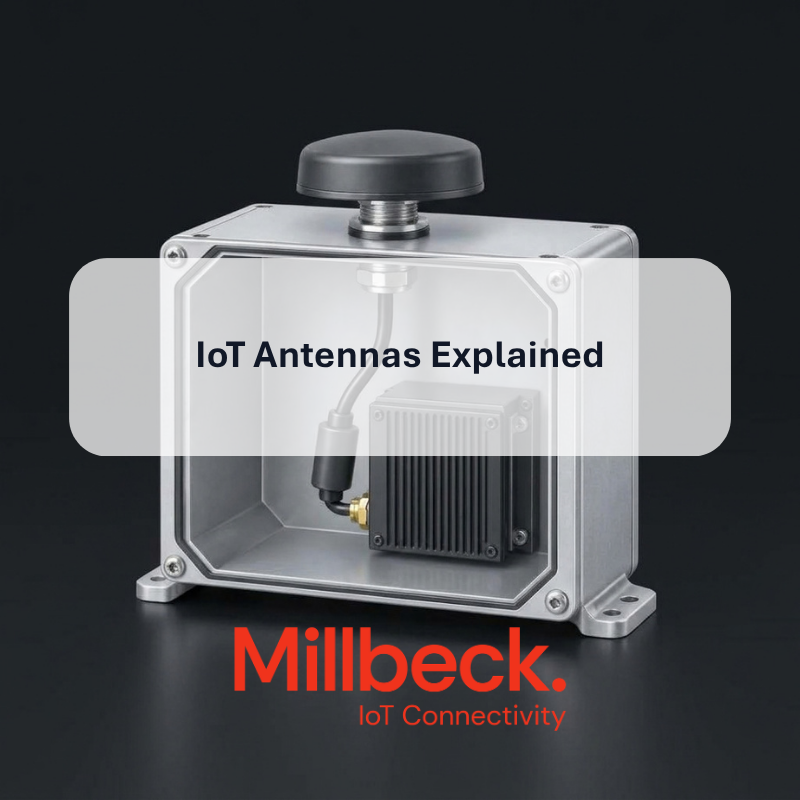
The Fullband MIMORAD is an omni-directional 2x2 MIMO antenna, which means it contains two antenna elements and receives signal from every direction. It is IP67 rated and its twin cables connect to the RUT956's two mobile antenna ports.
What We See Most Often
The most common cause of poor connectivity we find on site is a router inside a metal cabinet with its antennas inside too. Moving the antenna outside the enclosure usually fixes it without changing anything else, and even better, installing an external antenna such as the Fullband MIMORAD outside where there is much better signal than the router location.
Managing More Than 400 Routers With Teltonika RMS
The customer manages every router in the estate through Teltonika RMS, so most changes and checks happen without a site visit.
Teltonika RMS (Remote Management System) is Teltonika's cloud platform for monitoring, updating and managing Teltonika devices remotely. With RMS, the customer can see the status of every router and update firmware across the estate from one place.
At more than 400 buildings, and growing, that is the difference between an estate the team can manage and one that needs an engineer on the road. We also tell the customer when Teltonika publishes a security advisory that affects their devices, so they can act on it through RMS.
The Results
The rollout has connected more than 400 healthcare buildings, and the customer continues to add sites to the successful project.
- Independent of the building's IT: the BMS in every building has its own connection, kept separate from the site's IT network.
- No fixed lines: no line to install or pay for in any of the buildings.
- One repeatable design: each new building uses the same router, SIM and antenna approach, so the customer adds sites without redesigning the connection.
- One supplier: routers, IoT SIMs and antennas all come from Millbeck.
Why the Customer Works With Millbeck
The customer works with Millbeck because we supply the router, the IoT SIM and the antenna together, and know how they behave in the field.
Millbeck has specialised in M2M and IoT cellular connectivity since 2008, and we are a Teltonika Diamond distributor. When a site needs attention, the customer speaks to people who know the technology and the deployment.
Frequently Asked Questions
Can a BMS Connect Over 4G Without Using the Building's IT Network?
Yes. A BMS can connect over 4G through a cellular router with its own IoT SIM, which gives it a connection separate from the building's IT network. This is a common approach in healthcare, education and public-sector buildings, where the building owner does not allow third-party systems onto its network. The BMS provider keeps full control of the connection.
What Antenna Should I Use When a BMS Is in a Basement Plant Room?
An external antenna is usually the answer when a BMS is in a basement plant room, because concrete, steel and metal panels block mobile signal. Mount an omni-directional antenna outside the enclosure or the building, where the signal is usable, and run the cable back to the router. Where the installation allows it, a directional antenna pointed at the nearest mast can do better still.
Is a 4G Router Secure Enough for Building Management Traffic?
A 4G router is secure enough for building management traffic when the data runs over a VPN and the router's firmware is kept up to date. The VPN encrypts traffic between the building and the central system. Keeping the BMS off the building's IT network also limits what an attacker could reach. Remote management platforms such as Teltonika RMS make firmware updates practical across large estates.
How Do You Manage Hundreds of Cellular Routers Without Visiting Each Site?
A remote management platform lets you manage hundreds of cellular routers without visiting each site. Teltonika RMS, for example, shows the status of every Teltonika router and pushes firmware updates across the estate. A site visit is then only needed for a physical fault, such as damaged hardware or a moved antenna.
Why Use a UK Roaming IoT SIM for a BMS Instead of a Single-Network SIM?
A UK roaming IoT SIM suits a BMS because it can connect to more than one UK mobile network, so each building uses whichever network works best there. A single-network SIM depends on one operator's coverage, which varies between buildings and inside them. Across a national estate, roaming reduces the number of sites with a weak or failed connection.
Does a BMS Need a 5G Router?
Most BMS deployments do not need a 5G router, because BMS traffic is mostly small amounts of sensor, alarm and control data. A 4G router such as the Teltonika RUT956 has plenty of capacity for monitoring and remote management. 5G makes more sense when the same connection also carries high-bandwidth traffic, such as CCTV.
Talk to Us About BMS Connectivity
If you supply or support building management systems across multiple sites, we can help you choose the cellular router, IoT SIM and antenna for each building, and supply them from one place. Speak to our team about your estate.
Contact MillbeckMillbeck. IoT Connectivity